
Published: · UBIK365 Kft.
Standardised restrictions for driver phones in a large fleet: what Knox Suite Essentials brings to the task
What can a smaller fleet learn from a large hauler's driver-phone restrictions – and which Essentials components map to each task?
A case study published on the sofortelefon.hu blog describes the fleet of Waberer's International Kft., where central restriction of driver phones was built with a remote device management solution. Below we use the facts stated in that source and look at which components of the Samsung Knox Suite – Essentials Plan correspond to the same tasks if a small or mid-sized company wants to solve them. Important: the source does not state that the customer uses the Essentials Plan – this article maps tasks to plan components.
The starting problem, according to the source
According to the source, some driver phones in the fleet used up as much as 10 GB of mobile data in a few days – on browsing, TikTok and YouTube. Once the data allowance runs out, the driver can't submit a CMR, doesn't receive the details of the next job and can't coordinate with the dispatcher. In extreme cases communication on a single phone could stop for several weeks, and delays can incur contractual penalties.
The other recurring issue was drivers accidentally changing something in the system settings, with the dispatcher having to talk them through the fix by phone. The source's conclusion: a policy document matters, but on its own it isn't enough – a technical restriction is needed.
What was introduced
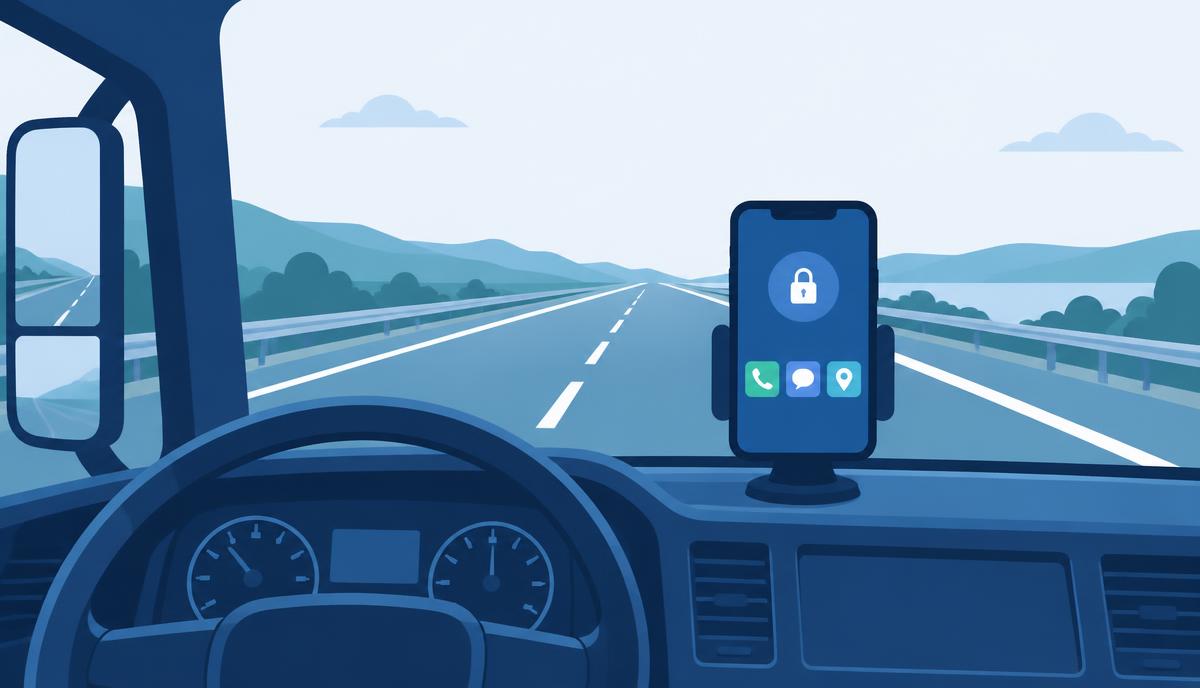
According to the source, the driver sees a single screen with the apps needed for work (dispatch app, client app, CMR submission), calls and SMS. YouTube, TikTok, the browser, the system settings menu and every other non-work app are blocked. Fleet operations install and update apps remotely – both Google Play apps and custom client-developed apps – log into the phone when help is needed, and manage policies centrally.
Which Essentials component covers which task
One screen, few apps: kiosk mode in Knox Manage
The Knox Manage kiosk wizard lets you build a multi-app kiosk in the console: selected apps, calling and messaging are available, everything else – the browser, video apps, settings – is not. This is exactly the “technical restriction, not a policy document” logic the source describes.
Distributing and updating apps
Knox Manage can install and update apps across the whole fleet from Managed Google Play and as in-house (non-store) apps. A new client app or a new version is no longer a manual, driver-by-driver task.
Remote support when something does go wrong
Knox Remote Support is part of Essentials: IT sees and controls the Android phone's screen live from the console. This corresponds to the source's step of “support logs into the phone remotely” – the driver doesn't need to bring the device in.
Rules that follow the situation
The source doesn't mention event-based policies, but for a smaller fleet they can be a useful addition: in Knox Manage a rule can be tied to time of day, a Wi-Fi network, roaming or SIM change. For example, looser restrictions outside working hours and stricter ones during them.
New phones without manual setup
Galaxy phones bought through an authorised reseller enrol themselves on first boot with Knox Mobile Enrollment and receive the kiosk and apps. The same happens on replacement and when a new driver starts.
Results stated in the source
According to the source, 90% of manual configuration tasks related to driver phones were eliminated, several FTEs of work were freed up, and the system's full three-year implementation and operating cost paid back within a few months.
These are Waberer's own results with the solution implemented there; they cannot automatically be projected onto another fleet.
Translating it to a fleet of 20–100 devices
In a smaller company the same tasks appear at a smaller scale, but the logic is identical. The four components of the Essentials licence cover the basics:
- Knox Manage: kiosk mode, app restrictions, app installation and policies from one console.
- Knox Remote Support: remote screen sharing and control on Android phones.
- Knox Mobile Enrollment (standard): Galaxy phones come under management by themselves.
- Knox Platform for Enterprise: deeper, Galaxy-specific security settings.
If your fleet runs an in-house app that a major Android version upgrade could break, firmware version control (Knox E-FOTA) is worth considering – but it belongs to the Enterprise Plan, not Essentials.
Want to know which plan suits your fleet? Request a licence quote – the number and type of devices is all we need to start.