
Remote-control support from day one
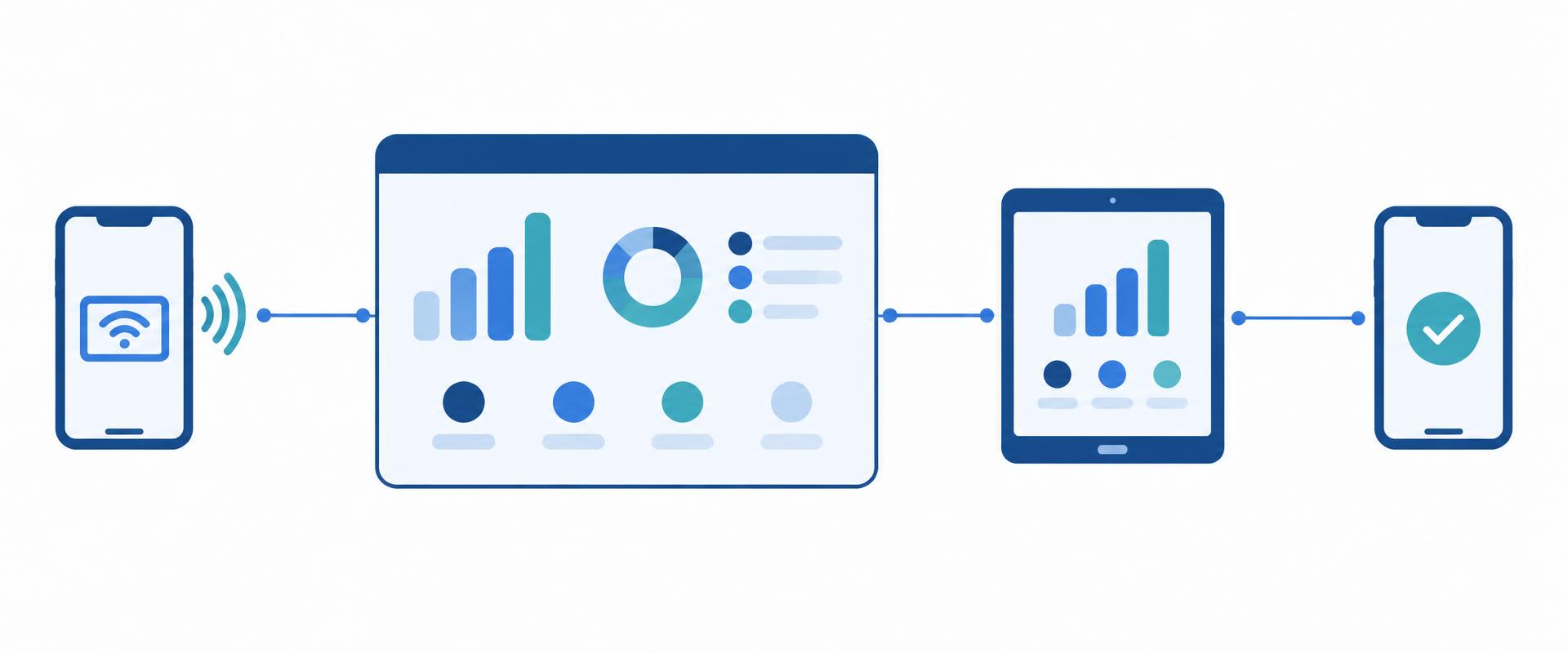
Knox Remote Support comes alongside Knox Manage: IT sees and controls an employee's Android phone or tablet live, sends files and records the session. No separate remote-support tool needed.
DetailsThe Samsung Knox Suite – Essentials Plan gives you cloud device management, screen-sharing remote support and automatic enrolment of Galaxy devices with a single licence key. Built for small and mid-sized companies that don't have IT staff at every site.
Android, iOS, Windows, macOS and ChromeOS devices in one console – the deepest control and automatic enrolment on Samsung Galaxy devices.
Our specialists help with choosing the licence, setting it up and running it.
The Knox Suite – Essentials Plan bundles four Samsung Knox services under a single licence key:
Knox Manage – cloud device management: settings, apps, policies, kiosk mode, locking and wiping lost devices – all from one web console.
Knox Remote Support – screen sharing and remote control of Android devices, launched from the console.
Knox Mobile Enrollment – Galaxy devices bought through the reseller are brought under management automatically when first switched on (standard settings).
Knox Platform for Enterprise – Galaxy-specific security and management policies that go beyond the Android Enterprise baseline.
One licence key, per device. The plan can later be upgraded from Essentials to Enterprise, keeping your settings and enrolled devices.
What's not included? →Knox Remote Support comes alongside Knox Manage: IT sees and controls an employee's Android phone or tablet live, sends files and records the session. No separate remote-support tool needed.
DetailsGalaxy devices bought through the reseller enrol themselves on first boot and receive the company settings. Nobody has to set them up one by one.
DetailsDifferent policies apply during and outside working hours, on the company Wi-Fi, on SIM change or roaming, or inside a defined area. Switching is automatic.
DetailsSingle- or multi-app kiosk with your own logo and background, built in the console. Users only reach the apps you choose.
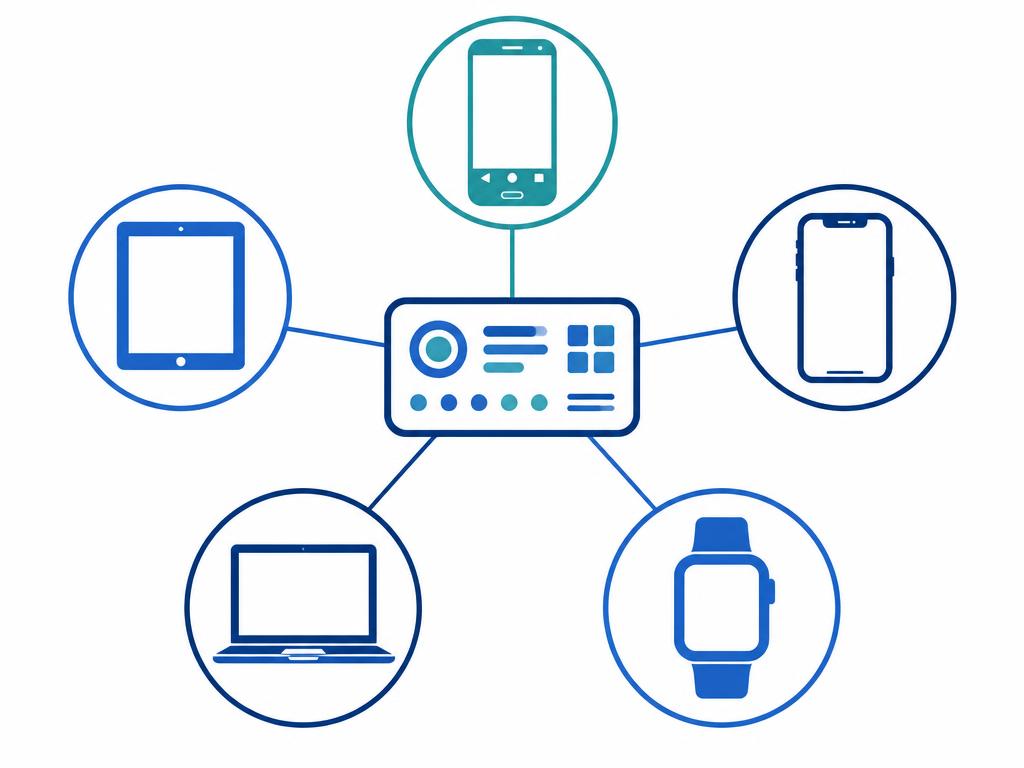
DetailsAlongside Galaxy and other Android devices, iOS/iPadOS, macOS, Windows and ChromeOS devices sit in the same console. The deepest control is on Galaxy.
DetailsKnox Suite can be trialled free of charge. If you later need firmware control or fleet diagnostics, the Essentials licence can be upgraded to Enterprise – your settings stay.
Details

Knox Remote Support
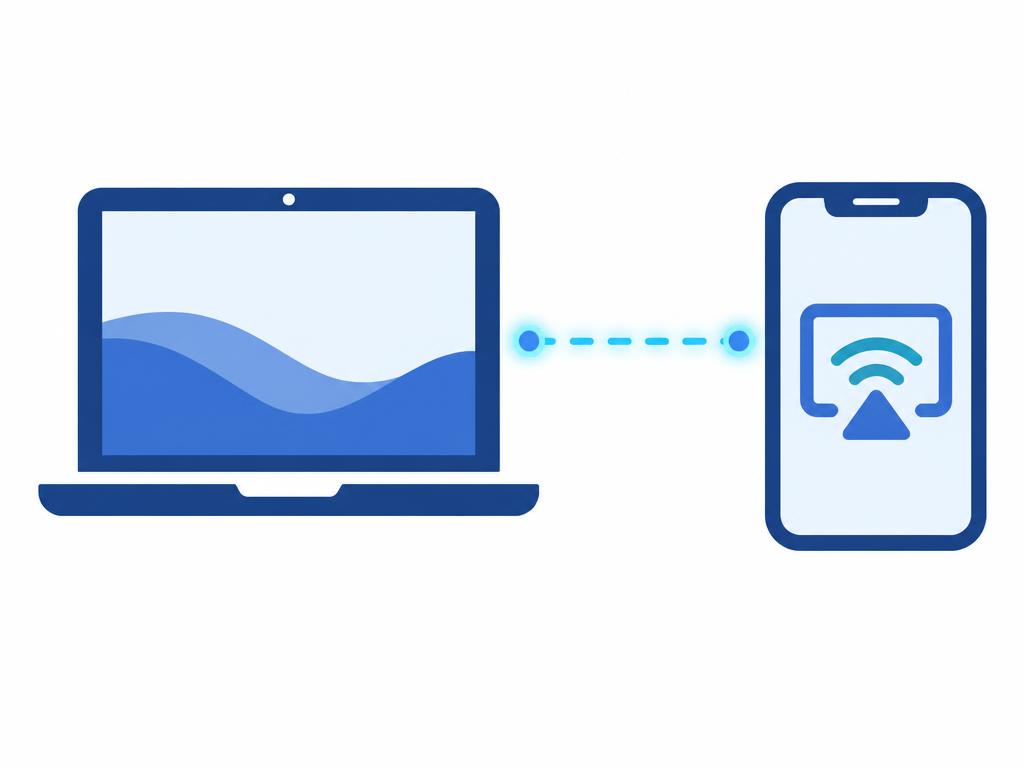
The Essentials licence includes Knox Remote Support, launched from the Knox Manage console. IT can see the screen of a user's Android device live, take over control, capture screenshots and recordings, and send files.
Roles define who may start a session and whether they can only watch (“View only”) or also operate the device. On Samsung Galaxy devices a session can start according to the configured permissions; on non-Samsung Android devices the user has to approve it.
That way most phone problems are solved without a site visit or “please send the device in”.
Everyday examples
Good to know: Screen sharing and remote control are available for Android devices, not for iOS.
Knox Mobile Enrollment
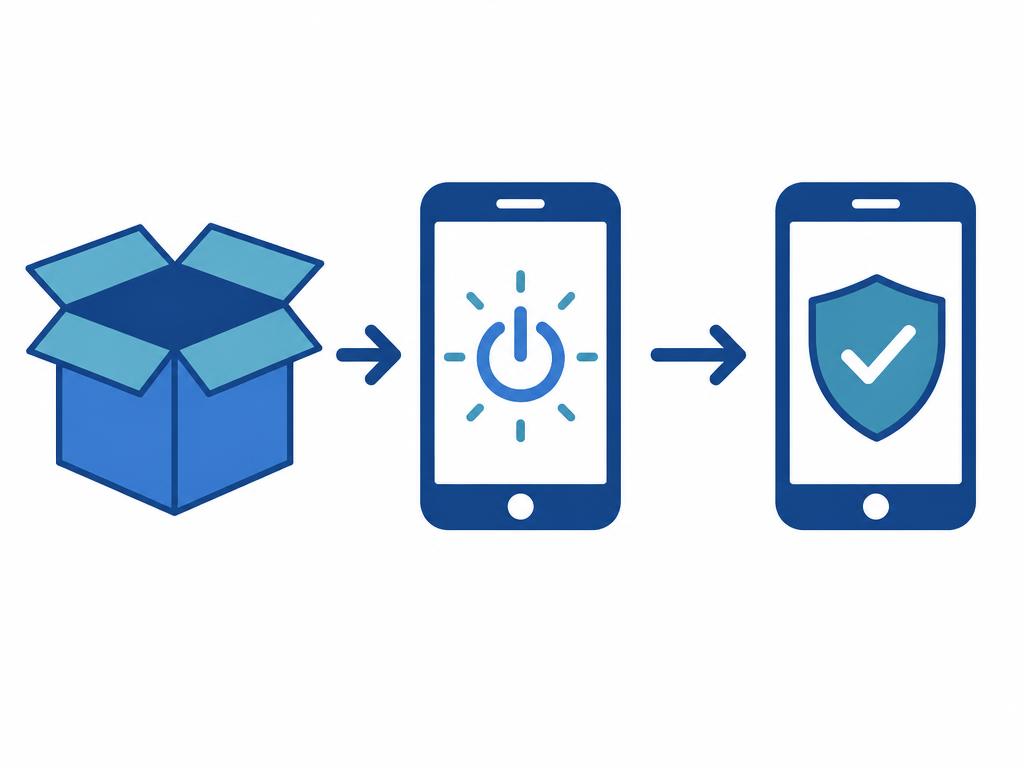
Galaxy devices bought through an authorised reseller are uploaded to the Knox system by the reseller. On first boot the device automatically comes under Knox Manage and downloads the company profile, settings and apps.
IT doesn't have to handle every device, and employees receive a phone that is ready for work. The same process runs for new purchases, replacements and new starters.
The Essentials Plan includes the standard settings of Knox Mobile Enrollment.
Everyday examples
Good to know: Only for Samsung Galaxy devices purchased through the authorised reseller channel. Enforcing enrolment by locking the device (Advanced settings) is part of the Enterprise Plan, not Essentials.
Knox Manage
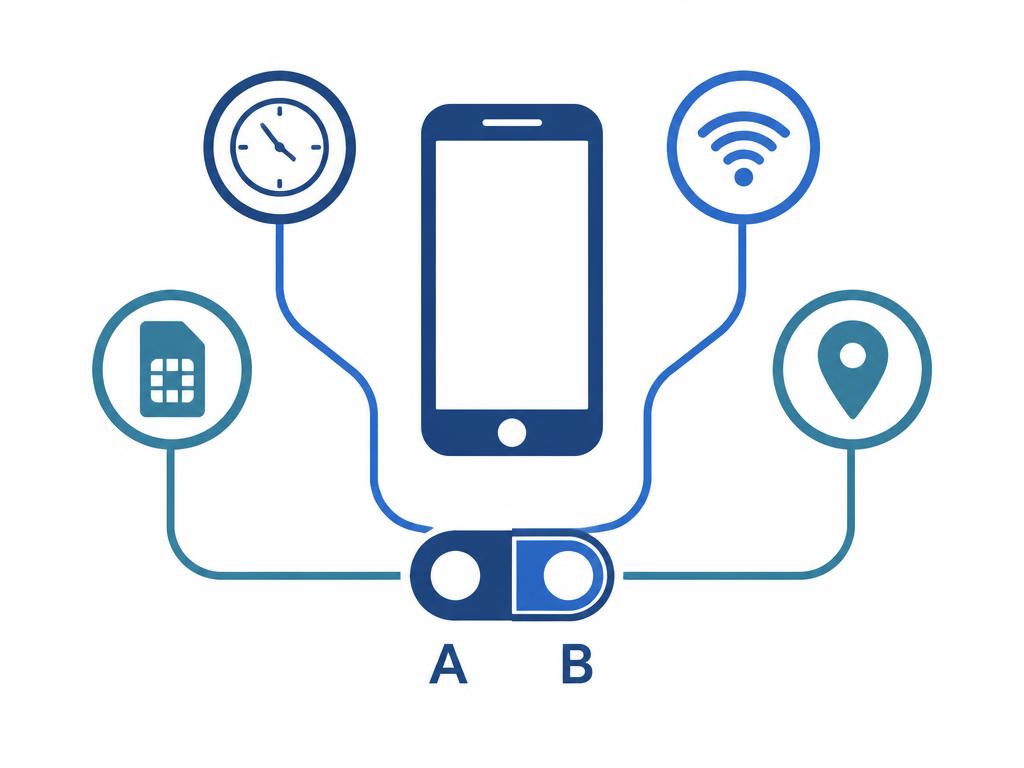
In Knox Manage, rules can be tied to events: day and time, a specific app running, a Wi-Fi network (SSID), SIM change, roaming or a geographic area (geofence).
Different restrictions apply during and outside working hours, on and off site, and the switch happens without manual intervention.
So a policy isn't “set once and forgotten” – it adapts to how the device is actually being used.
Everyday examples
Good to know: Day and time rules also work on iOS; SIM change and geofence events are available on Android devices.
Knox Manage
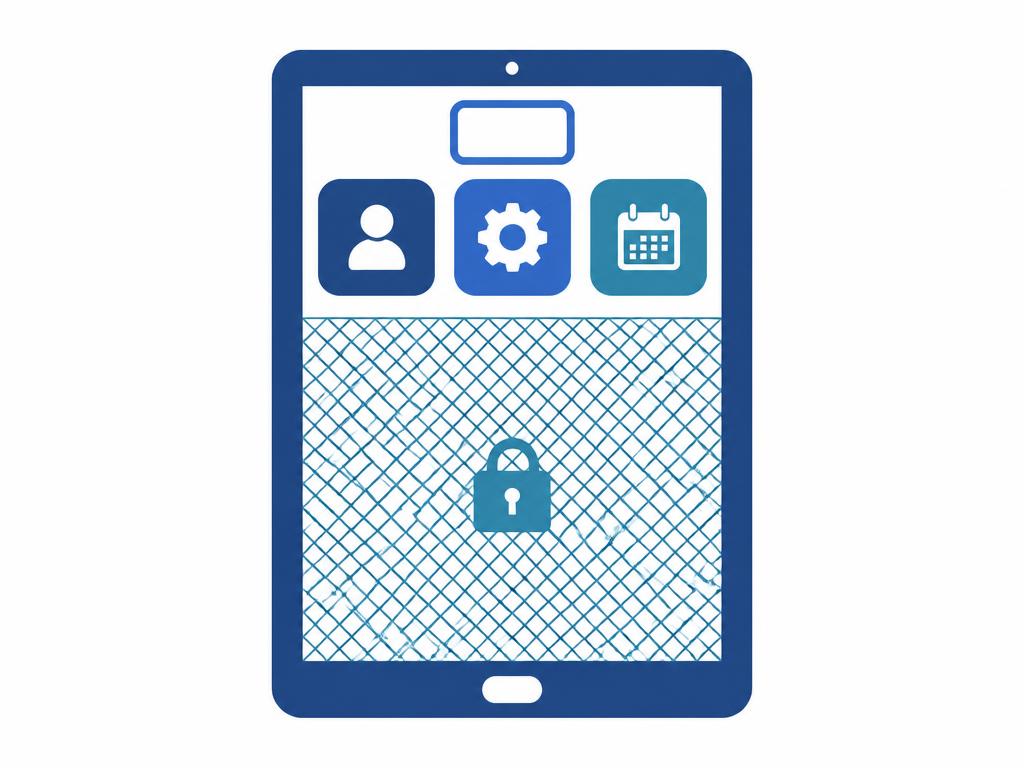
With the Knox Manage kiosk wizard you build a single- or multi-app kiosk in the console: your own logo and background, folders, selected apps – everything else is out of reach.
There's no need to develop or buy a separate kiosk launcher.
Kiosk mode is most complete on Android; on iOS/iPadOS it is available as app lock, and on Windows and ChromeOS through their own equivalents.
Everyday examples
Knox Manage
With the Essentials licence, Knox Manage handles Android, iOS/iPadOS, macOS, Windows, ChromeOS and Wear OS devices from one cloud console: app distribution (Managed Google Play, App Store, in-house apps), device commands, policies, locking and suspending lost devices, wiping the whole device or only the work profile, and viewing the last known location.
Windows and ChromeOS devices use the same licence.
The deepest, Galaxy-specific control comes from Knox Platform for Enterprise policies, which are also part of the plan.
Everyday examples
Good to know: Available commands and policies differ by platform; non-Android devices are managed in the original Knox Manage console.
Knox Suite
The Samsung Knox Suite trial licence is free for 3 months on up to 30 devices. The trial includes the full Enterprise Plan, so every Essentials component can be tested on real devices.
After purchase, the trial settings and enrolled devices are kept. If you later need firmware version control (Knox E-FOTA) or fleet diagnostics (Knox Asset Intelligence), the Essentials licence can be swapped for an Enterprise Plan licence without losing data.
We help you request the trial and choose the right plan.
Everyday examples
No surprises: the services below belong to the Knox Suite – Enterprise Plan and are not part of the Essentials licence. If you need them, Essentials can be upgraded to Enterprise at any time.
Knox E-FOTA – firmware and Android version control, scheduled updates on Galaxy devices.
Knox Asset Intelligence – fleet diagnostics: battery, apps, network, security patch level.
Knox Mobile Enrollment – Advanced settings – enforcing enrolment by locking the device.
Knox Capture and Knox Authentication Manager – barcode scanning and biometric sign-in on shared devices.
Knox Configure (pre-configuring and branding devices at first boot) is a separately licensed product and not part of the Knox Suite plans.
Not sure which plan you need? Let's talk.
We review device count, platforms and use cases, then send a licence quote for the Essentials Plan.
Activating the Knox Suite licence key, setting up the Knox Manage console, admins and roles.
Automatic enrolment of Galaxy devices with Knox Mobile Enrollment; other devices are registered according to their platform.
Apps, restrictions, kiosk and event-based rules go live; remote support is available from the console straight away.
Our specialists help you at every step.
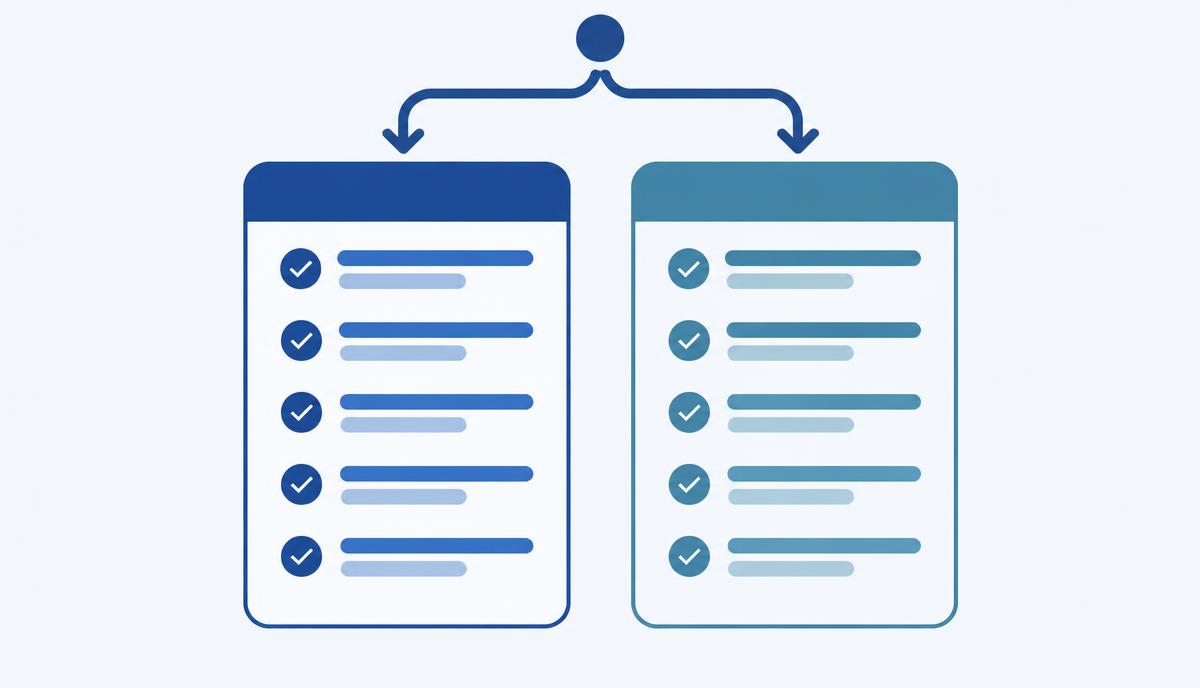
Checklist questions and a simple decision table to decide whether the Essentials Plan is enough or you need Enterprise right away.
Read more →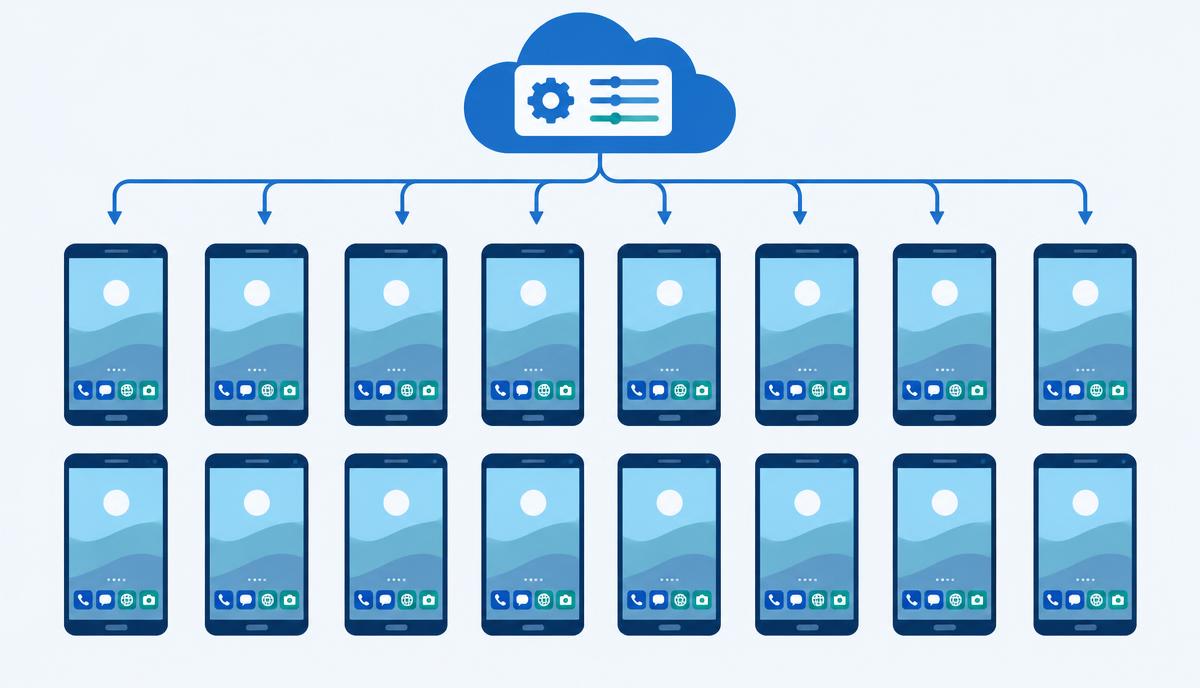
From hundreds of differently configured phones to one uniform fleet: what does the BHS Trans case teach about a first rollout?
Read more →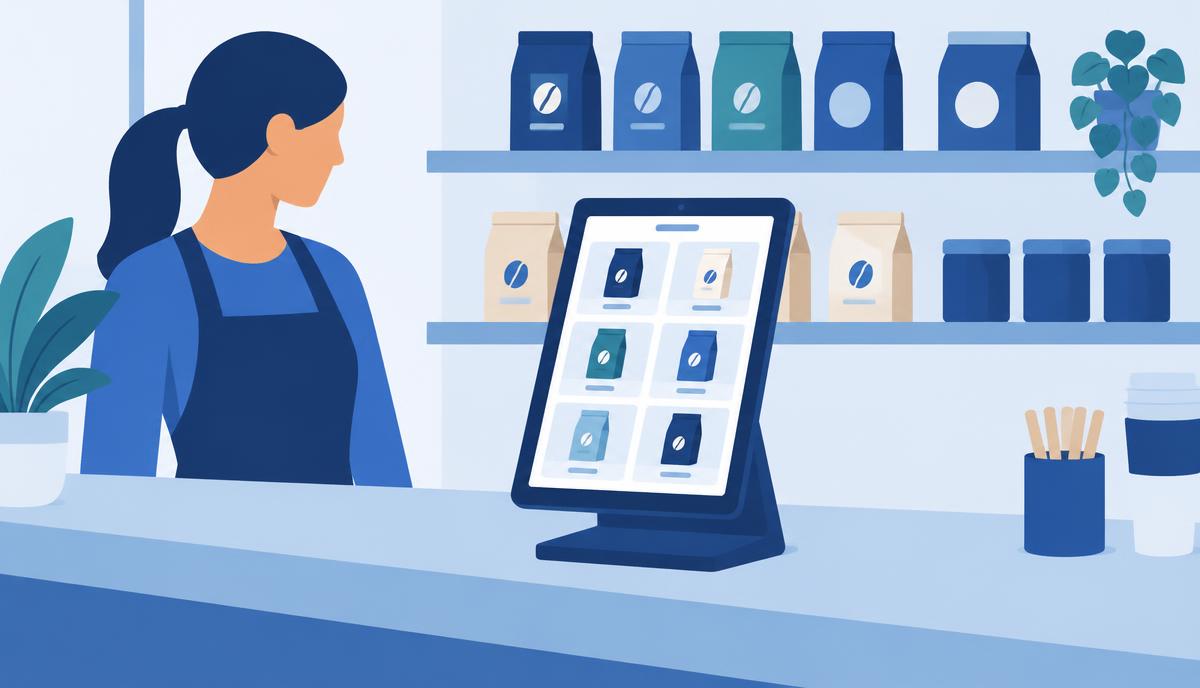
Customer and staff tablets in a shop: how lock-down, restriction and remote management are built from the components of the Essentials licence.
Read more →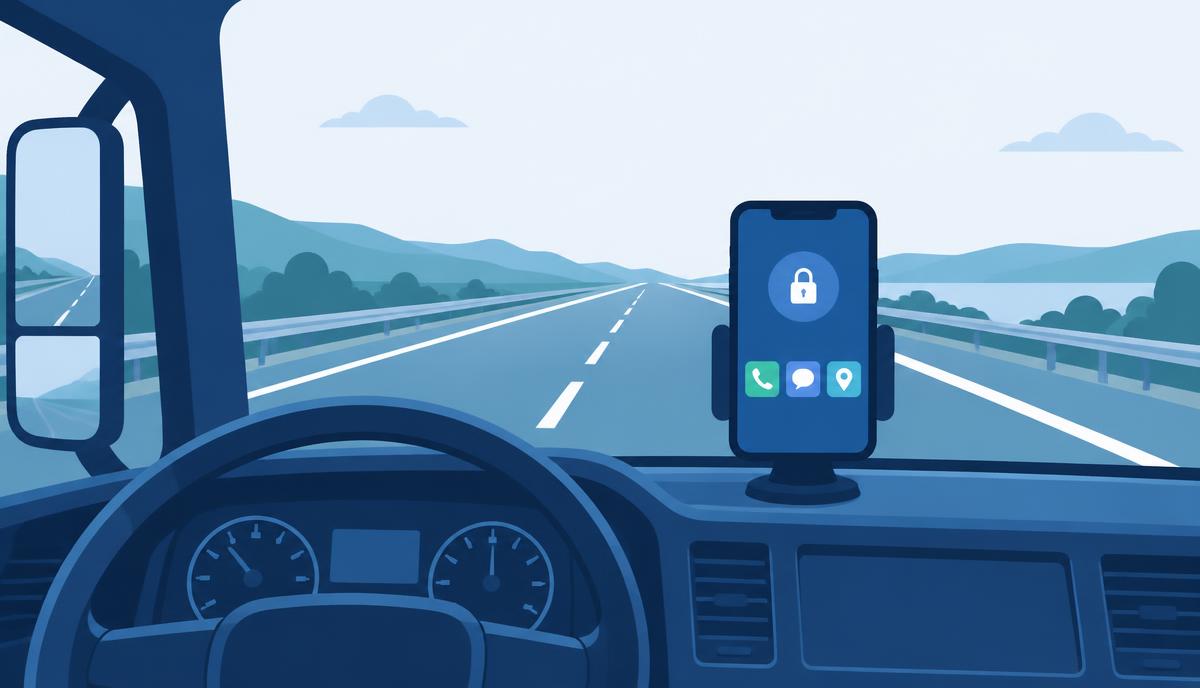
What can a smaller fleet learn from a large hauler's driver-phone restrictions – and which Essentials components map to each task?
Read more →Get in touch: our specialists help you choose the right licence, set it up and run it.
For a quote, the number and type of devices is enough (Galaxy, other Android, iPhone, laptop) – we'll discuss the rest.
UBIK365 Kft. – Samsung Knox reseller, Budapest.