
Published: · UBIK365 Kft.
When is Essentials enough? A decision guide to choosing a Knox Suite plan for SMEs
Checklist questions and a simple decision table to decide whether the Essentials Plan is enough or you need Enterprise right away.
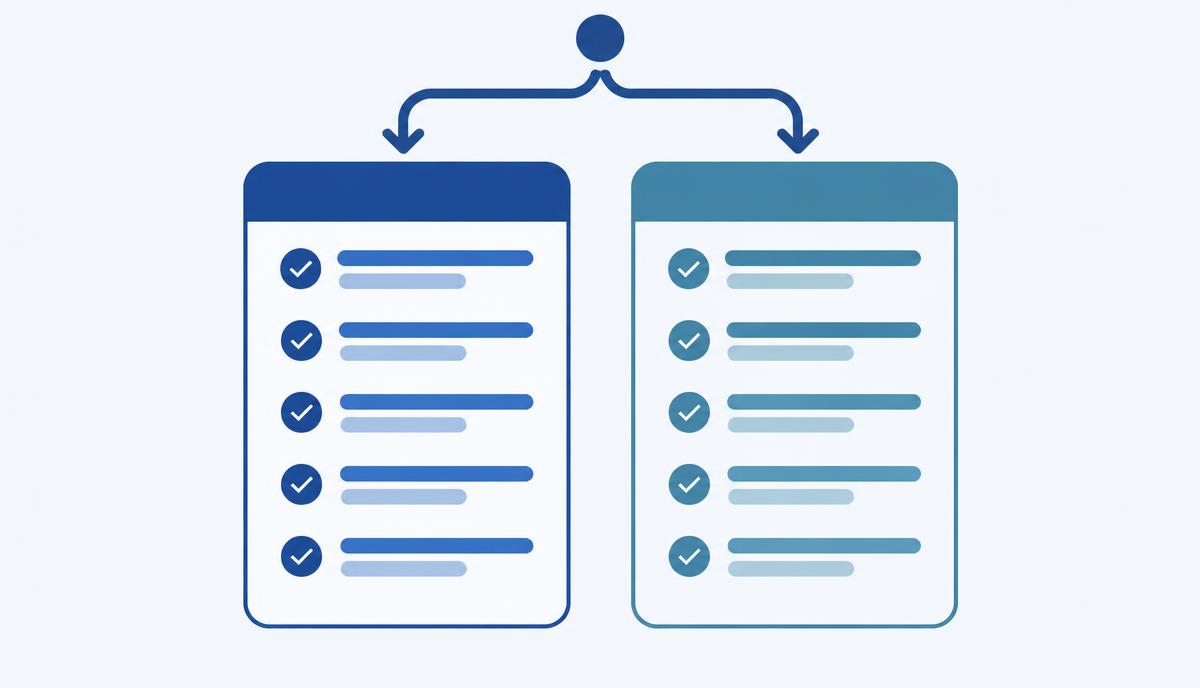
Samsung Knox Suite comes in two plans: the Essentials Plan and the Enterprise Plan. For most small and mid-sized companies the question is whether the smaller plan covers day-to-day needs or whether it makes sense to start with the larger one. This guide helps – without prices, based on features and typical situations.
The typical starting point
In a company with 20–300 company phones and tablets the picture is often the same: there isn't IT staff at every site, new devices are set up by hand, settings differ from device to device, and troubleshooting happens through phone instructions. The fleet is mixed too: Galaxy phones alongside other Android devices, a few iPhones and laptops.
What do the four Essentials components cover?
- Knox Manage – cloud device management for Android, iOS/iPadOS, macOS, Windows, ChromeOS and Wear OS: apps, policies, kiosk mode, event-based rules, locking and wiping.
- Knox Remote Support – screen sharing and remote control on Android devices, from the console.
- Knox Mobile Enrollment (standard settings) – automatic enrolment of Galaxy devices bought through an authorised reseller.
- Knox Platform for Enterprise – deeper, Galaxy-specific security and management policies.
Checklist: Essentials is enough if…
- you have no in-house app that a major Android version upgrade could break;
- you don't need to schedule or hold back firmware updates centrally;
- you don't need central battery, app and network diagnostics for the fleet;
- you don't need enrolment enforced by locking (so a factory-reset device can't be used unmanaged);
- you don't need barcode scanning (Knox Capture) or biometric sign-in on shared devices (Knox Authentication Manager);
- you mainly need remote support for Android devices;
- kiosk mode, app restrictions and event-based rules cover your use cases;
- you buy your Galaxy devices through an authorised reseller, so automatic enrolment works.
If most of the above is true, the Essentials Plan is a good starting point.
When should you choose Enterprise straight away?
Firmware control
Knox E-FOTA lets Galaxy devices update only to approved firmware and Android versions, on a schedule. If a business app is sensitive to version changes, this can be the deciding factor.
Fleet diagnostics
Knox Asset Intelligence gives a central view of battery health, app behaviour, network and security patch level. For larger, heavily used fleets it helps anticipate replacements and faults.
Frontline tools and strict enrolment
For warehouse, logistics or shift-based shared device use, Knox Capture, Knox Authentication Manager and Knox Mobile Enrollment Advanced settings (enforcement by locking) may be needed. All three belong to the Enterprise Plan.
A separate note: Knox Configure (pre-configuration and branding at first boot) is a standalone, separately licensed product – it isn't part of either Knox Suite plan.
The role of the trial licence
The Knox Suite trial licence is free for 3 months on up to 30 devices and includes the full Enterprise Plan. You can therefore test on real devices whether the Essentials components are enough or whether you also need Enterprise features. The tenant, policies and enrolled devices set up during the trial are kept after purchase.
Upgrading without losing data
If you start with Essentials and need more later, the Essentials licence can be swapped for an Enterprise Plan licence. The tenant's data, settings and enrolled devices are kept – you don't have to start the rollout again.
A simple decision table
| If… | Suggested plan |
|---|---|
| you need management, kiosk, policies and Android remote support | Essentials |
| you have a mixed fleet (Android, iOS, Windows, macOS, ChromeOS) in one console | Essentials |
| automatic Galaxy enrolment with standard settings is enough | Essentials |
| firmware versions must be controlled centrally | Enterprise |
| you need fleet-wide battery and network diagnostics | Enterprise |
| enrolment must be enforced by locking | Enterprise |
| you need barcode scanning or biometric sign-in on shared devices | Enterprise |
Not sure which column you're in? Request a licence quote or a short call – we'll help you decide based on the number and type of your devices.