
Published: · UBIK365 Kft.
Uniform phone settings in a mid-sized fleet: a first rollout with a Knox Suite Essentials licence
From hundreds of differently configured phones to one uniform fleet: what does the BHS Trans case teach about a first rollout?
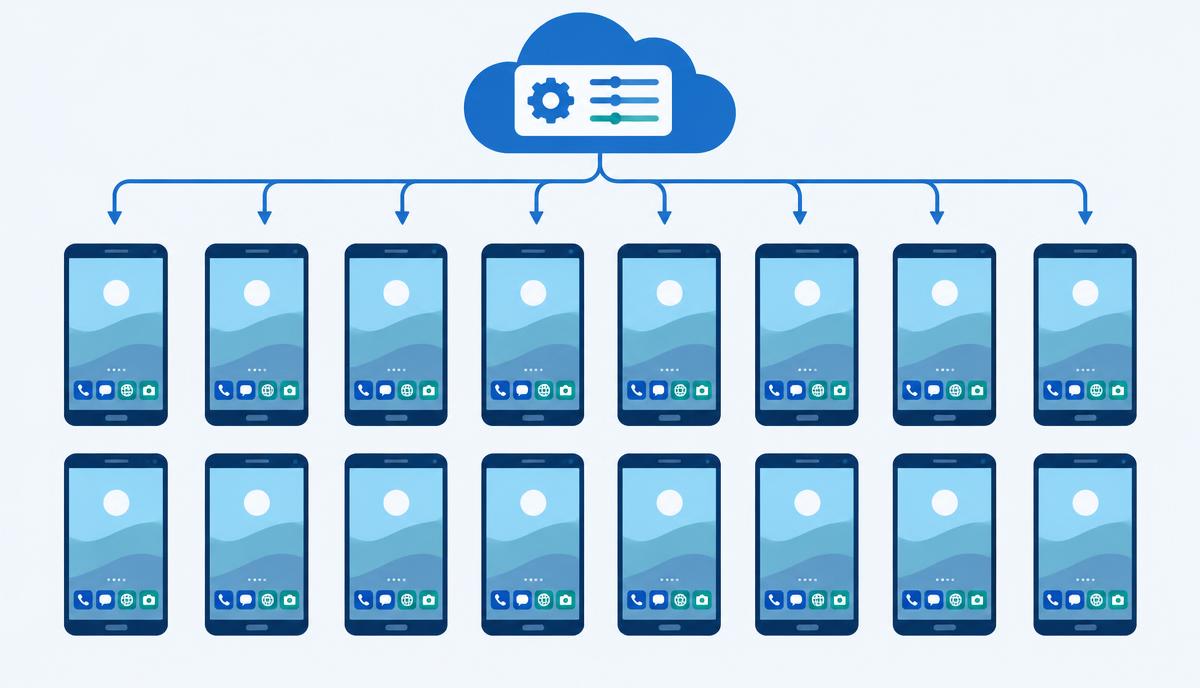
A case study published on the sofortelefon.hu blog describes the driver-phone fleet of BHS Trans Kft., where a remote device management system created a uniform, centrally managed environment. This article starts from the facts in that source and looks at how the same can be achieved in a first rollout with the components of the Samsung Knox Suite – Essentials Plan. The source does not state that the customer uses the Essentials Plan.
The starting point: every phone configured differently
According to the source, more than 400 driver phones were in use at BHS Trans, practically each one configured differently: different wallpaper, app layout, permissions and notifications. Phones arrived gradually and were set up by whoever had time. A new client app or a new security parameter would have meant someone going through every device one by one – while many of the phones were on the road.
The three requirements
The source describes three expectations on one common platform:
- uniform settings that can be changed easily, in one place;
- phone restriction and kiosk mode: drivers only reach company apps and calling;
- corporate branding: company logo and wallpaper on every phone, changeable remotely.
In the solution introduced, according to the source, the browser, YouTube, TikTok, the system settings menu and every non-company app are blocked, and installing and updating custom, non-store apps is also a central process.
A first rollout with the Essentials components
1. One baseline configuration in the console
The first step is building a single baseline profile in the Knox Manage console: apps, permissions, notification rules, home screen. If every device gets the same profile, later troubleshooting also starts from a known state – as the source puts it, troubleshooting becomes routine diagnostics.
2. Kiosk mode with your own branding
In the Knox Manage multi-app kiosk you choose the apps needed for work; everything else is unavailable. The kiosk can carry your own logo and background, which can be changed from the console at any time – covering the branding requirement within Essentials.
3. Automatic enrolment of Galaxy phones
New Galaxy devices bought through an authorised reseller enrol themselves into Knox Manage on first boot with Knox Mobile Enrollment and receive the baseline profile. So uniformity doesn't erode again as the fleet grows or devices are replaced. Devices already in use need to be registered once, according to their platform.
4. App distribution, including custom apps
Knox Manage installs and updates both Managed Google Play apps and in-house apps centrally. A new client app reaches the whole fleet in a few clicks.
5. Remote support in daily operations
Even a uniform fleet has moments when a driver needs help. Knox Remote Support is part of Essentials: IT sees and controls the Android phone live from the console, so the fix doesn't have to be explained step by step over the phone.
Results stated in the source
According to the source, 90% of driver-phone-related tasks were automated, a full employee's time was freed up, and errors and communication outages caused by running out of mobile data or misconfigured phones were eliminated.
These are BHS Trans's own results with the solution implemented there; they cannot automatically be projected onto another fleet.
What a mid-sized company should watch in a first rollout
- Describe the target state first: which apps, which restrictions, what branding.
- Start with a small pilot group – the Knox Suite trial licence (3 months, up to 30 devices) is ideal for this.
- Buy new devices through an authorised reseller so that automatic enrolment works.
- Decide whether you need firmware version control (Knox E-FOTA) – it is part of the Enterprise Plan.
Want a uniform fleet in your next rollout? Request a licence quote and let's go through the first steps.